
Elementor Header and Footer Builder Plugins, Compared Honestly
“Elementor header and footer builder plugin” gets searched 140 times a month in the US, the single largest keyword found anywhere in this cluster’s research, and the reason is that the answer is not one plugin. It is at least three different categories of tool that all get called the same thing, and picking the wrong category for your actual need is how people end up running two overlapping builders on one site.
None of these header/footer builders add scroll behavior on their own; see what a dedicated scroll-effects plugin adds for that separate layer.
This post separates those categories honestly: Elementor Pro’s own Theme Builder, dedicated header/footer builder addons, and single-purpose plugins that only add one missing piece, like sticky scroll behavior. None of them is universally “the best,” because they solve different problems.
Key Takeaways
- Elementor Pro’s Theme Builder is the native way to assign one header and footer template site-wide. It requires Elementor Pro; Elementor Free has no equivalent of its own.
- Dedicated header/footer builder addons add widgets and template libraries on top of Elementor, useful mainly if you want more layout options than Elementor Pro’s own widgets provide.
- Single-purpose plugins add one specific missing capability, most commonly sticky scroll behavior, without replacing your existing header layout at all.
- “elementor header & footer builder plugin” gets 140 searches a month with a keyword difficulty of 32, DataForSEO, pulled 2026-09-15, the largest single term in this cluster’s entire research pull.
- Running two overlapping builder plugins on the same header is the most common self-inflicted problem in this category: pick one layer per job, not one plugin for everything.
Three Different Jobs Called the Same Name
“Header and footer builder” gets used for at least three genuinely different tools. The first is Elementor Pro’s own Theme Builder, which lets you design a header or footer once and assign it site-wide through display conditions. The second is a dedicated addon plugin that adds its own header/footer widgets and template library on top of Elementor. The third is a single-purpose plugin that adds one missing behavior, most often sticky positioning, to a header you already built some other way.
Confusing these three is how sites end up with a header built in the Theme Builder, styled with a header-addon plugin’s widgets, and made sticky with a third plugin that conflicts with the first two. Each layer has a real job. None of them needs to do all three.
Elementor Pro’s Theme Builder: The Native Option
Elementor Pro’s Theme Builder is the correct starting point for most sites, because it is native, requires no additional plugin, and covers the actual layout job: logo, menu, buttons, and where each sits at each breakpoint. Assign the resulting template as your site’s header or footer through Theme Builder’s display conditions, and it applies everywhere that condition matches.

The honest limit here is that Theme Builder requires Elementor Pro. Elementor Free has no theme-wide template assignment of its own; a Free-only header has to be placed directly on each page, or handled through your active theme’s own header location instead.
Dedicated Header and Footer Builder Addons
A dedicated header/footer addon plugin sits on top of Elementor and adds its own widgets, usually a broader set of navigation-menu styles, a mega-menu widget, and a larger template library than Elementor Pro’s own widget panel ships by default. These addons are worth it if your actual bottleneck is layout options: you want a specific nav-menu animation, a hamburger style, or a pre-built header template your target look already matches closely.
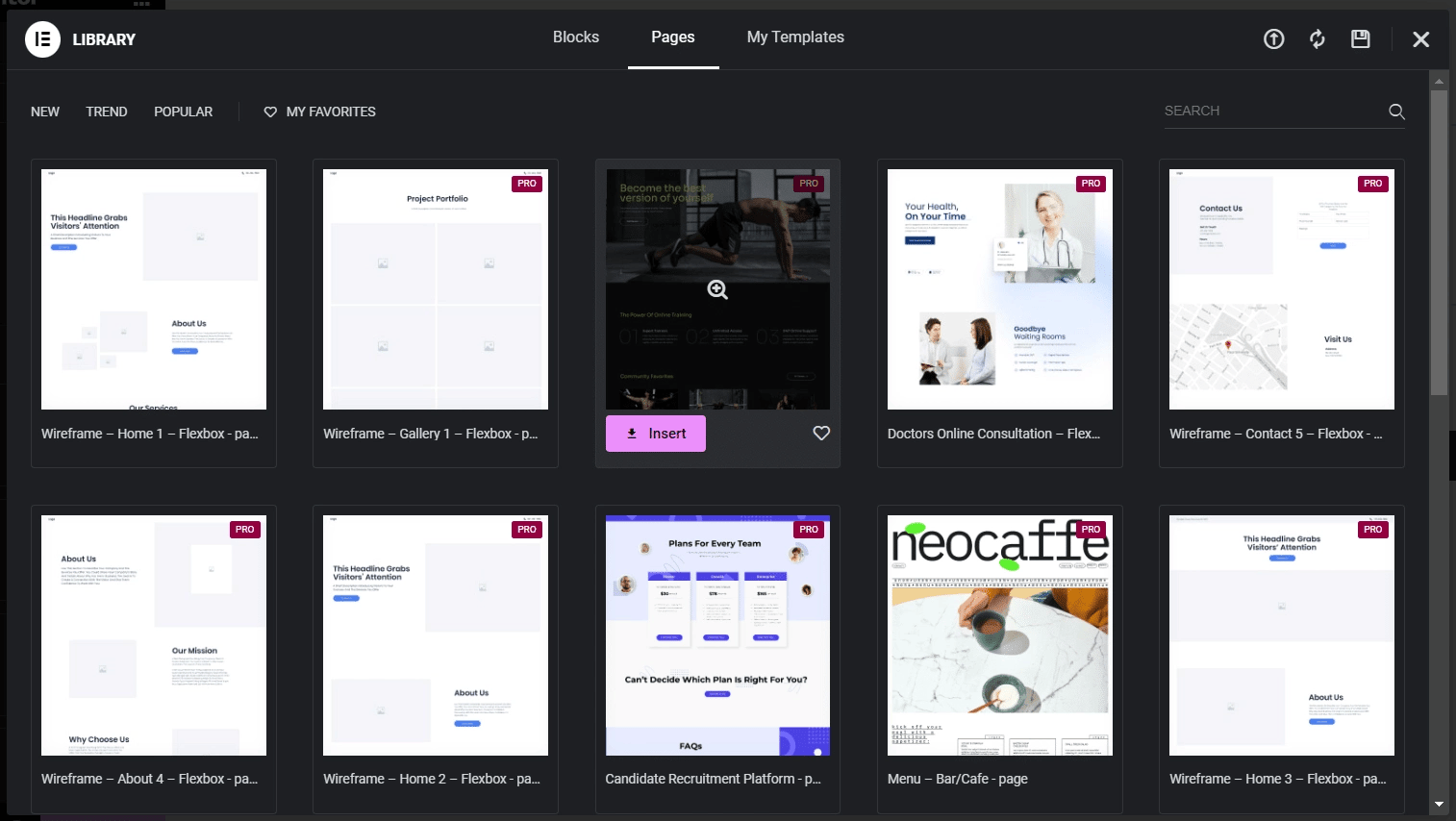
The trade-off is added plugin weight and a second widget system to learn. If Elementor Pro’s own Nav Menu widget and Theme Builder templates already cover your layout, a dedicated addon adds surface area without adding a capability you actually needed.
Single-Purpose Plugins: Adding One Missing Piece
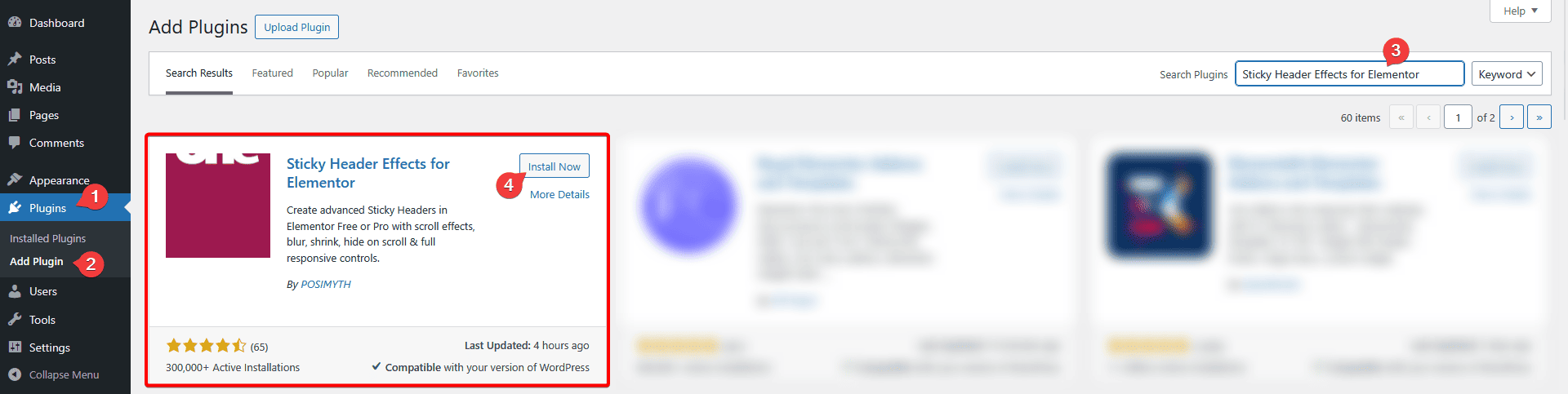
The third category does not touch layout at all. It adds one specific behavior to a header you already built, most commonly making it sticky and controlling what happens to it on scroll: shrinking, changing background color, hiding on scroll down, or swapping the logo. Sticky Header Effects for Elementor is this category, and its own scope is worth stating plainly: it does not build headers, does not add menu widgets, and does not compete with either the Theme Builder or a dedicated header addon.
What it adds on top of either of the first two categories is 10 free scroll effects, 11 more in Pro, for 21 total, set entirely from the Elementor Advanced tab on the header section or container you already built. It runs on Elementor Free or Pro, so a Theme Builder header (Pro) and a plain page-level header (Free) both work with it identically.
Where Overlap Actually Causes Problems
The real-world failure case in this category is not choosing the wrong single plugin. It is running two plugins that both try to control the same behavior: two sticky settings on the same header, or two “make it sticky” toggles from different plugins fighting over the same CSS position property. If a header addon already includes its own sticky toggle, turning on a second, unrelated sticky plugin on the same section is where scroll conflicts start.
The fix is straightforward once named: pick exactly one plugin to own “sticky,” and let the others own layout only. Sticky Header Effects for Elementor is built to be that one layer, added after your header layout, from whichever builder produced it, is already finished.
Choosing Among the Three
If your header layout need is fully covered by Elementor Pro’s own Nav Menu widget and Theme Builder, you likely need nothing else for layout. If you specifically want more nav-menu styles or a wider template library than Elementor Pro ships, a dedicated header addon is the right layer to add. If your layout is already finished and the only thing missing is scroll behavior, a single-purpose plugin is the entire fix, and adding a full header-builder addon for that one need is more plugin than the problem requires.
See the full 21-effect grid for what a single-purpose scroll plugin actually covers, and the complete sticky header setup guide for the exact steps once your header, from whichever builder made it, is ready.
Frequently Asked Questions
Do I need Elementor Pro for a header/footer builder plugin? Elementor Pro’s own Theme Builder does. Dedicated header addons and single-purpose plugins like Sticky Header Effects for Elementor work on Elementor Free as well.
Can I use more than one of these three categories together? Yes, and it is common: Theme Builder for layout, plus a single-purpose plugin for scroll behavior. The risk is only when two plugins both claim the same job, most often sticky positioning.
Will adding a scroll-effects plugin slow down a header built with a different builder? Sticky Header Effects for Elementor runs every effect on CSS transform and opacity only, which avoids the layout-recalculation cost heavier scroll-JS approaches add, regardless of which plugin built the header underneath it.
Elementor’s own Theme Builder documentation covers site-wide header and footer assignment in full. MDN’s CSS position reference documents the browser-level mechanics behind any sticky implementation, whichever plugin sets it. Current version, requirements, and rating for Sticky Header Effects for Elementor are always live on its WordPress.org listing.
Want the sticky header without the code?
Sticky Header Effects for Elementor drops in as a widget. Free plugin, no account needed.
