
WordPress Header Plugins: What Each Type Actually Does
Search “WordPress header plugin” and the results mix at least four genuinely different tools under one label: plugins that build the header layout, plugins that only add scroll behavior to a header you already built, plugins that build multi-column dropdown menus, and plugins scoped to a single theme. Picking the wrong type wastes an install and, on a live site, a support ticket. Here is what each type actually does.
For the scroll-effects category specifically, the setup guide and what this specific plugin type does cover it in more depth.
Key Takeaways
- “WordPress header plugin” covers at least four types: layout builders, scroll-effect add-ons, mega menu plugins, and theme-specific sticky tools.
- Layout builders and scroll-effect add-ons solve different problems and are usually meant to be used together, not as alternatives.
- Elementor-native scroll-effect plugins only work if your header is already built in Elementor, on Elementor Free or Pro.
- Sticky Header Effects for Elementor is a scroll-effect plugin: 10 free effects, 11 more in Pro, 300,000+ active installs, version 2.2.2.
- Check what a plugin actually adds to the Advanced tab or the block editor before installing it, not just the plugin name.
Type 1: Layout and Theme Builders
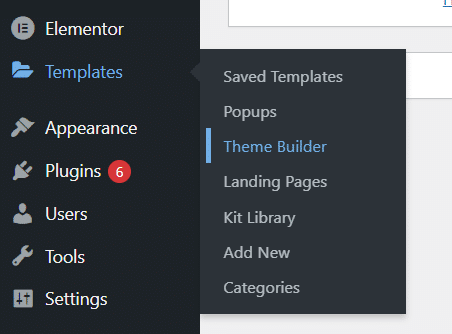
These build the header’s actual design and reuse it across pages: logo placement, menu structure, spacing, background. Elementor Pro’s own Theme Builder is the native example. Free add-ons such as Nexter Extension give Elementor Free the same capability. Classic (non-builder) themes offer a lighter version of this through the WordPress Customizer’s header options.
None of these add scroll behavior on their own. A header built with a Theme Builder is static by default, same as a header built any other way.
Type 2: Scroll-Effect and Sticky Plugins
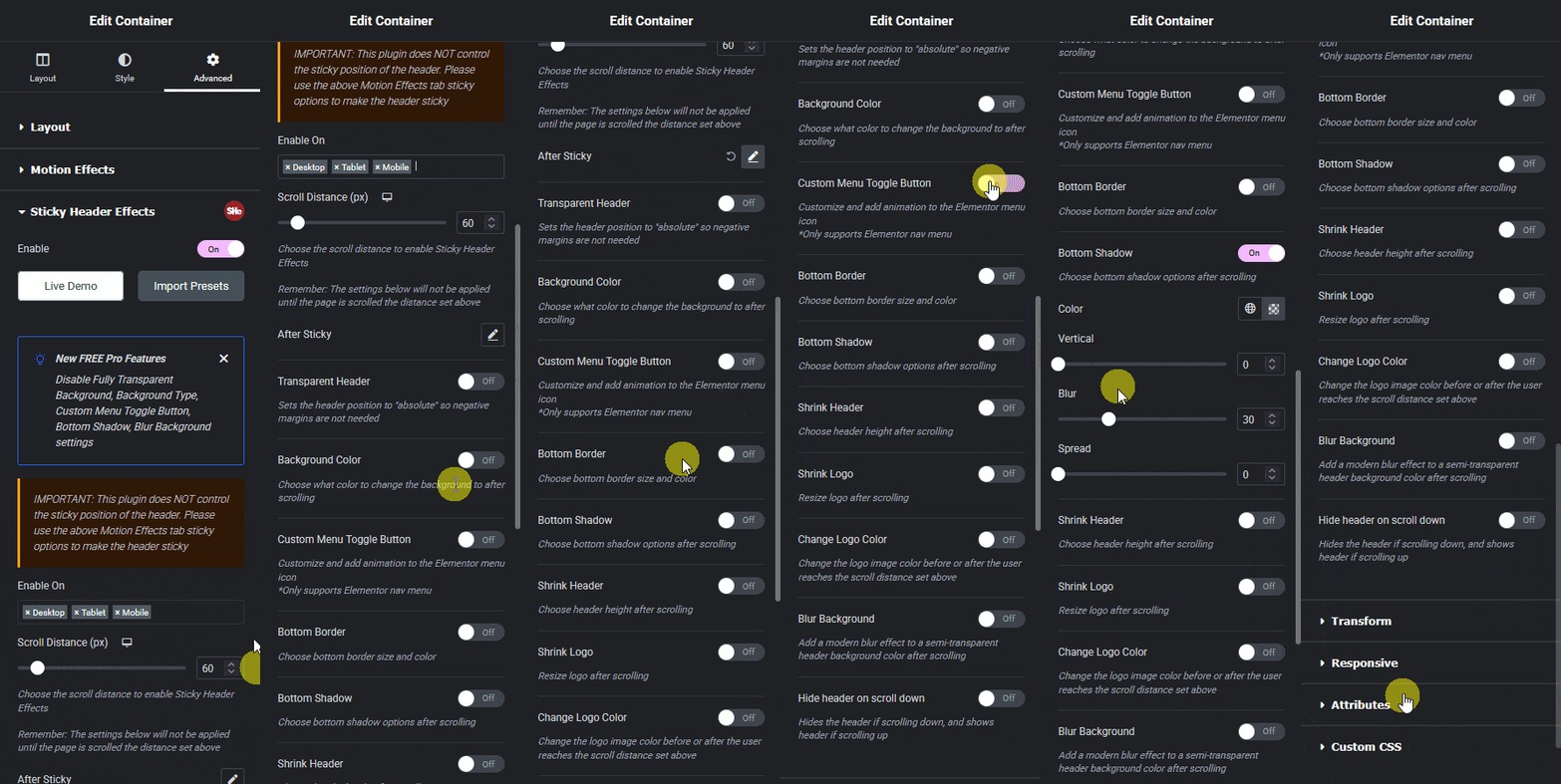
These attach to a header that already exists and change what it does as the visitor scrolls: staying pinned to the top, shrinking, changing background color, hiding on scroll down, and similar behavior. They do not build the header layout; they need one to already be there.
Within this type, scope varies a lot. Some plugins are Elementor-specific, hooking into the Advanced tab of a section or container and offering effects tailored to Elementor’s own layout system. Others are page-builder-agnostic, sticking any element on any theme through a generic script, which trades effect depth for broader compatibility. Sticky Header Effects for Elementor is the Elementor-specific kind: it works only where the header itself is built in Elementor, on Free or Pro, but adds 21 effects (10 free, 11 Pro) purpose-built for that context.
Type 3: Mega Menu Plugins
These replace a simple dropdown with a multi-column panel, often including images, icons, or multiple link groups per menu item. Elementor’s own mega menu documentation covers building one with the native Menu widget; dedicated mega menu plugins exist for sites that need more layout control than the native widget offers.
Mega menus and sticky headers solve unrelated problems and are frequently used together: a mega menu inside a header that is also sticky. Neither Sticky Header Effects for Elementor nor Elementor’s Theme Builder builds a mega menu; that is the menu widget’s own job.
Type 4: Theme-Specific Sticky Tools
A smaller category of plugins is built to make one specific theme’s native header sticky, with no page-builder dependency at all. These work only on the theme they target and typically offer far fewer effects than an Elementor-native plugin, since they are solving a narrower problem: sticky positioning for a header they did not design.
Free vs Paid, by Type
Licensing patterns differ enough by type that they are worth checking before comparing prices across categories. Layout builders (Type 1) are commonly bundled into a larger page-builder or theme purchase rather than sold standalone, since the layout system itself is the product.
Scroll-effect plugins (Type 2) more often run a free-plus-Pro-add-on model: a genuinely usable free tier with a limited effect set, and a separate paid add-on unlocking the rest. Sticky Header Effects for Elementor follows this pattern exactly: 10 free effects on unlimited sites, 11 more in a separate Pro add-on licensed per site.
Mega menu plugins (Type 3) split between free plugins covering basic multi-column layouts and paid tools adding animation, icon libraries, or WooCommerce-specific menu content. Theme-specific sticky tools (Type 4) are frequently free, since they solve one narrow problem for one theme’s existing audience.
How to Tell Which Type You Are Looking At
Before installing, check three things: does it require a page builder (if yes, layout type or Elementor-specific effect type); does it need an existing header to attach to, or does it create one (attaching means effect type); and does its own description mention a specific theme by name (theme-scoped tools usually say so upfront).
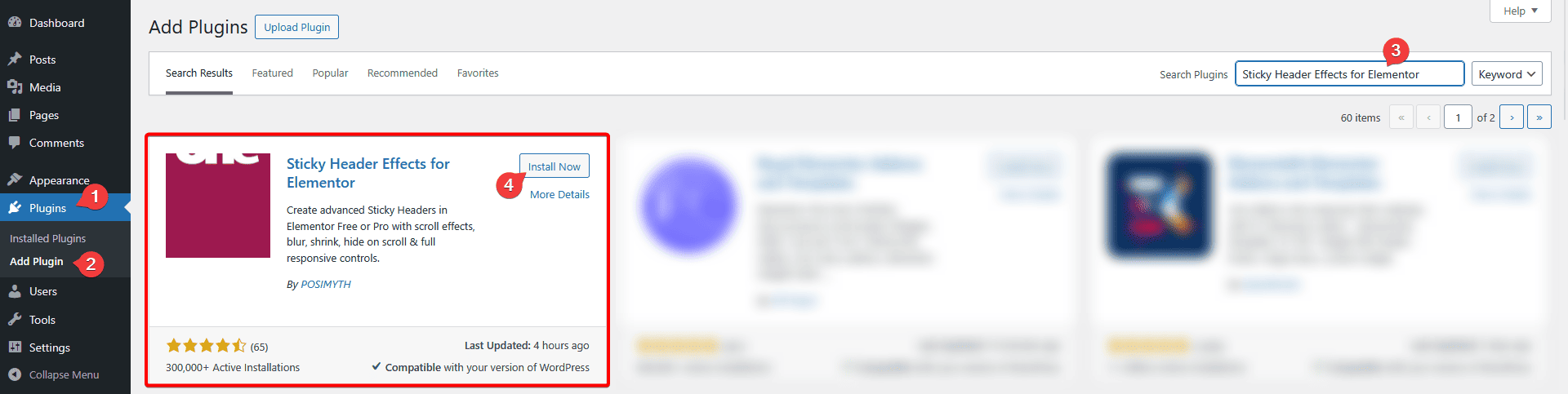
A plugin’s name is the least reliable signal. “Header” appears in the name of layout builders, effect plugins, and theme-specific tools alike, and none of those three words alone tells you which category you are about to install. Read the Description section on its WordPress.org listing instead, which states the mechanism directly rather than leaving it to the plugin’s marketing title.
Honest Limits
Sticky Header Effects for Elementor is Type 2 only. It requires Elementor Free or Pro, requires a header already built in Elementor (by any method), and does not build layouts, menus, or footers. If what you actually need is Type 1 (a header layout) or Type 3 (a mega menu), install that first; the effects layer has nothing to attach to otherwise.
It also works well with most Elementor-optimized themes rather than every WordPress theme unconditionally, since the header it attaches to must be built in Elementor regardless of which theme sits underneath.
Frequently Asked Questions
Can one plugin do all four types? Not well. Plugins that try to cover layout, scroll effects, mega menus, and theme-agnostic compatibility in one tool tend to do each one shallowly. Purpose-built tools per type generally go deeper.
Do I need a Type 1 plugin if I already have Elementor Pro? No, Elementor Pro’s own Theme Builder covers Type 1 natively. You only need a separate layout plugin on Elementor Free.
Is Sticky Header Effects for Elementor a mega menu plugin? No. It is a scroll-effect plugin (Type 2). It works alongside a mega menu built with Elementor’s own Menu widget, but does not build the menu itself.
Will a Type 4, theme-specific sticky plugin work if I switch themes later? Usually not. Because these tools are built against one theme’s specific header markup, changing themes often means the plugin stops working and needs to be replaced, unlike an Elementor-native effect plugin, which keeps working as long as the header stays built in Elementor.
For the effect list this plugin adds once a header exists, see the full effect grid, and for setup steps, the documentation. Its own WordPress.org listing states its type plainly in the Description section, the same check recommended above for any plugin in this space. The free Nexter Extension listing covers the Type 1 free Theme Builder path for Elementor Free. Current Pro pricing is on the pricing page.
Want the sticky header without the code?
Sticky Header Effects for Elementor drops in as a widget. Free plugin, no account needed.
