
How to Stop a Sticky Header Covering Anchor Links in Elementor?
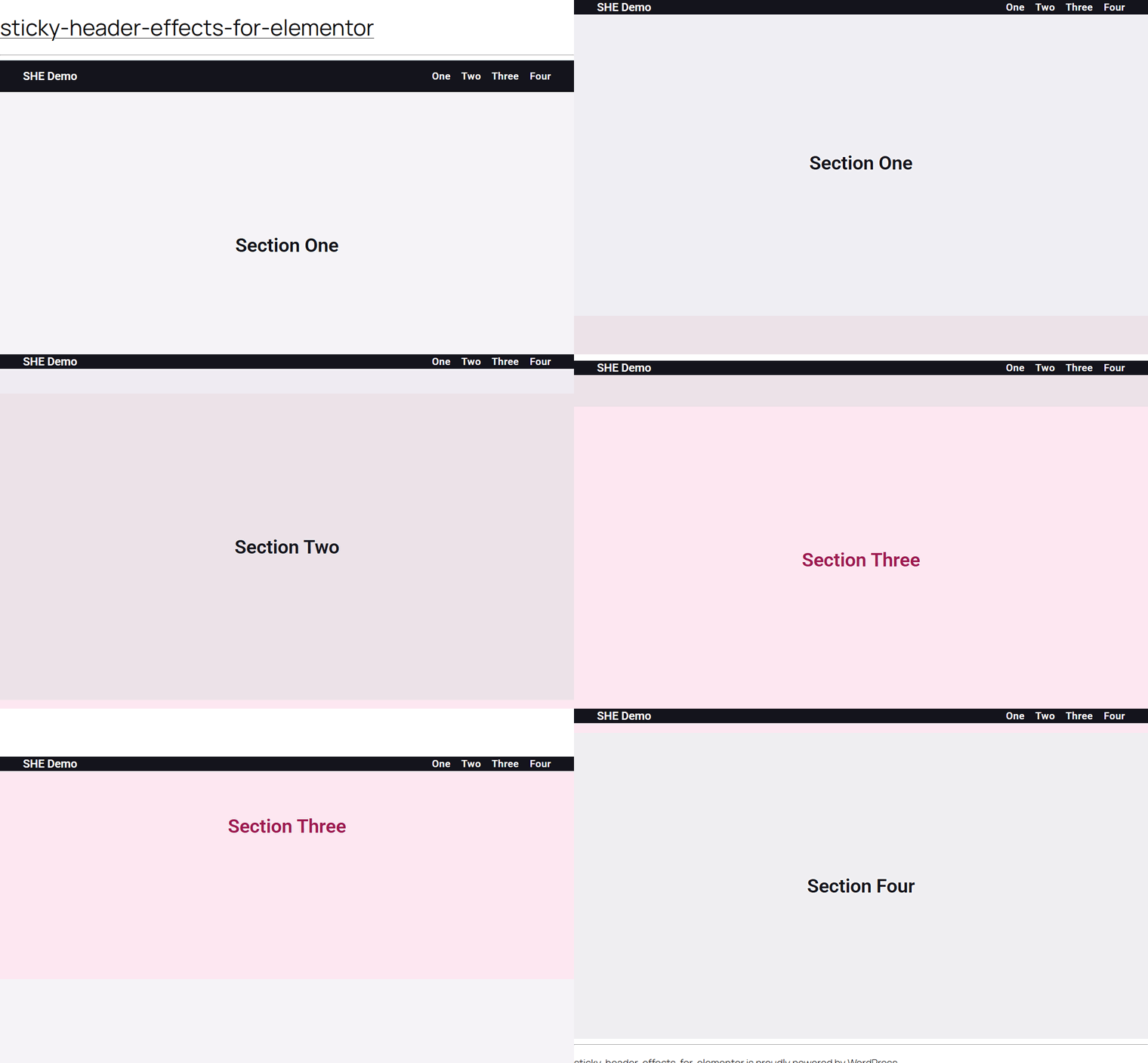
Have you ever clicked a menu link on a one page site and landed with the section heading hidden behind your sticky header? That happens because the browser scrolls the target to the very top of the window, and a fixed header sits right in that space. Fix Anchor Scroll in Sticky Header Effects for Elementor solves this by offsetting every in-page jump, so the section you land on starts cleanly below your Elementor sticky header.
What It Does
Fix Anchor Scroll is a free feature inside Sticky Header Effects for Elementor. When a visitor clicks an in-page anchor link, such as a one page navigation menu that jumps to About, Services, or Contact, the target section would normally slide up under the fixed header. This feature adds an offset equal to the real height of your sticky header, so the heading you jumped to lands in full view instead of being covered.
The offset is measured from the live header, not typed in by hand. If your header shrinks on scroll or changes height on smaller screens, the offset updates automatically to match. It works on both section headers and container headers built in Elementor.
Why It Matters
One page layouts live and die by their navigation. If a visitor taps a menu item and the heading they wanted is stuck behind the header, the page feels broken even when everything else is polished. They lose their place, scroll back up to find the title, and trust in the site drops.
Fixing anchor scroll keeps in-page navigation predictable. Every jump lands where the visitor expects, headings stay readable, and keyboard users who move focus with the Tab key benefit from the same clearance. It is a small detail that quietly makes a sticky header feel finished.
What You Get
The feature adds three controls to the Sticky Header Effects panel, right where you already manage your sticky header:
- Fix Anchor Scroll: the master toggle that turns the offset on for this header.
- Extra Offset (px): a slider from 0 to 200 pixels that adds a little breathing room on top of the measured header height. It is a responsive control, so you can set a different value for desktop, tablet, and mobile.
- Smooth Scroll: an optional toggle that animates the jump instead of snapping to it. It respects the visitor reduced motion preference automatically.
Benefits
- Section headings always land in view, never hidden under the header.
- No manual pixel math, since the offset reads the real header height for you.
- Stays correct when the header shrinks on scroll or changes height on mobile.
- Helps keyboard and screen reader users, whose focus scrolling gets the same clearance.
- Optional smooth animation that honors accessibility preferences out of the box.
- No code and no custom CSS, all set from inside the Elementor editor.
Capabilities
- Automatically measures the sticky header height and uses it as the scroll offset.
- Re-checks the height as the page scrolls and when the window resizes, so a header that shrinks stays in sync.
- Applies the offset through the browser native scroll padding, which means link clicks, in-page jumps, and keyboard focus all respect it without intercepting any clicks.
- Adds a responsive extra offset from 0 to 200 pixels for fine tuning per device.
- Offers optional smooth scrolling that is automatically disabled for visitors who prefer reduced motion.
- Works with both Elementor section headers and container headers.
How It Works
When Fix Anchor Scroll is on, the plugin finds your sticky header and reads its current height. It then applies that height, plus any extra offset you set, as scroll padding on the page. Scroll padding is a native browser feature, so the browser itself reserves that space at the top whenever it scrolls to an anchor. Native hash links, programmatic scrolling, and keyboard focus jumps all land below the reserved space.
Because the height is measured live, the plugin keeps it accurate. It updates on page load, on window resize, and while scrolling, which matters for headers that get shorter once the visitor starts scrolling. If you turn on Smooth Scroll, the plugin switches the page to smooth scrolling behavior, unless the visitor has reduced motion enabled in their system, in which case it quietly falls back to an instant jump.
Fix Anchor Scroll does not intercept your links. It sets a single scroll padding value, so it plays nicely with your existing menus and anchor targets.
How to Use It
- Edit your header template in Elementor and select the section or container that holds the header.
- Open the Sticky Header Effects panel and turn on the main Enable toggle, if it is not already on.
- Switch Fix Anchor Scroll to On.
- If the target still sits a touch too high, raise the Extra Offset (px) slider until the heading has the clearance you want. You can set a separate value for tablet and mobile.
- To animate the jump, turn on Smooth Scroll.
- Save the header, open the live page, and click your one page menu links to confirm each section lands cleanly below the header.
Use Cases
- One page business and portfolio sites where the top menu jumps between sections.
- Long landing pages with a sticky navigation bar and jump links to features, pricing, or FAQ.
- Documentation and long form articles that use a table of contents with in-page links.
- Event or product pages where anchor buttons send visitors to a schedule, specs, or a booking form.
- Any Elementor site with a fixed header where clicked anchors currently land under the header.
Limitations
- The sticky header must be enabled first. Fix Anchor Scroll and its related controls appear only once the main Enable toggle is on.
- The offset is designed for in-page anchor jumps on the loaded page. A hash link that arrives from another page can trigger the browser jump before the offset is applied on first paint.
- If more than one sticky header is present, the offset follows the first header that has Fix Anchor Scroll enabled.
- Smooth scrolling relies on native browser support and is intentionally turned off for visitors who prefer reduced motion.
- A theme or third party plugin that runs its own anchor scrolling with a hardcoded offset can override this behavior.
Troubleshooting
The Fix Anchor Scroll toggle is missing or does nothing. This usually means the sticky header itself is not enabled, so the anchor controls stay hidden, or the element is not recognized as the sticky header. Turn on the main Enable toggle in the Sticky Header Effects panel first, confirm the header actually sticks on scroll, then switch Fix Anchor Scroll on.
The section still sits a little under the header. The measured height covers the header itself, but you may want extra breathing room, especially if your header has a shadow or generous padding. Raise the Extra Offset (px) slider, which goes up to 200 pixels, until the heading has a comfortable gap. Set the value per device if desktop and mobile need different spacing.
Smooth scroll is not animating. Check that the Smooth Scroll toggle is on. If it is, the visitor may have reduced motion enabled in their operating system, in which case the feature deliberately falls back to an instant jump for accessibility. Testing with reduced motion turned off will show the animation.
Another plugin or theme is fighting the offset. Some one page menu scripts and smooth scroll plugins intercept anchor clicks and apply their own fixed offset. Because Fix Anchor Scroll uses native scroll padding rather than intercepting clicks, a competing script can win. Disable the other anchor handling, or its offset, and let Fix Anchor Scroll manage the spacing.
Still stuck? Reach out to POSIMYTH support with your header setup and a link to the page, and the team will help you dial in the right offset.

More in Fix Anchor Scroll
Still stuck?
Ask in the community — real answers from the team and other builders.